Point cloud
The geometry search command has been enhanced with several improvements:
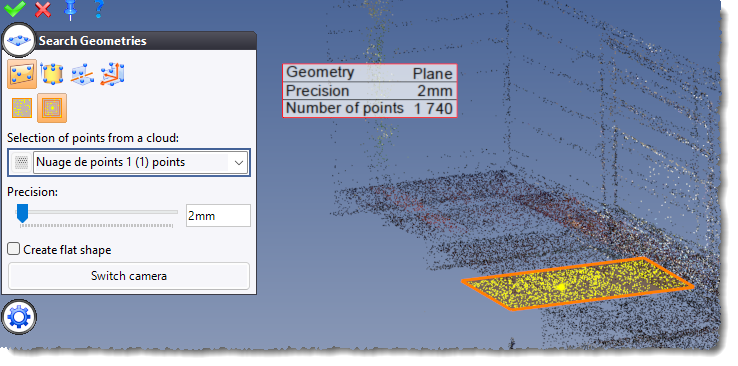
Plane detection
Two new detection modes are now available:
- By sampling: detection by selecting a list of points and specifying the plane’s normal.
- By propagation: detection by selecting a list of points. This option also allows you to create a flat shape.
e57 file import
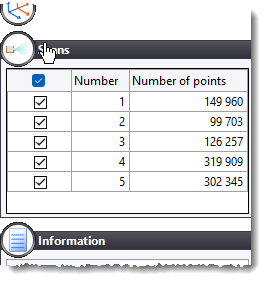
When an e57 file contains several point clouds, the dialog box for the command now features a panel for selecting the clouds to be imported.
Extruded bar detection
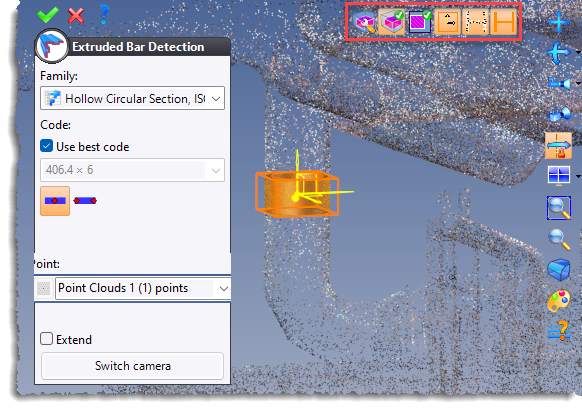
The new Extruded Bar Detection context command allows you to recreate extruded bars by specifying one or two points.
An icon bar to display the enclosing box, the section and extruded bar points is provided at the top right of the graphics area.
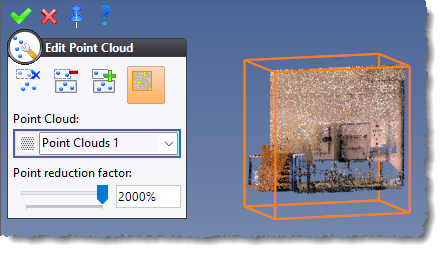
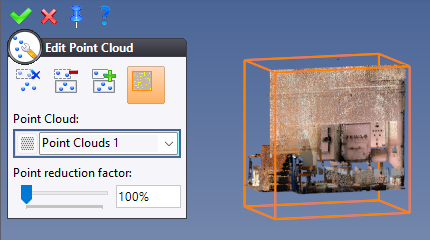
Refining
When editing a point cloud, the new Refining option increases the level of detail in certain areas.