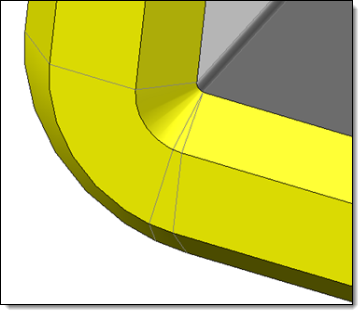
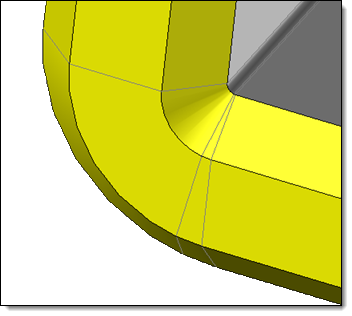
Bend delimitation
|
Bend delimitation |
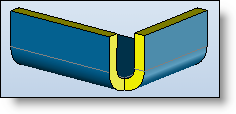
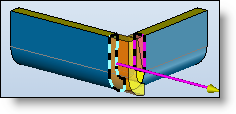
This command allows you to isolate the lateral faces connected to a bend, or all the faces in the bend alignment.
Creation stages / Use:
Click the  icon or select
Strip > Bend delimitation...
command from the drop-down menu.
icon or select
Strip > Bend delimitation...
command from the drop-down menu.
Select the bend face(s) to delimit.
In extended mode, choose the divisions mode to apply, and/or the faces to consider / ignore.
Validate  .
.
Available options:
Bend delimitation:
|
Two delimiting modes are available:
|
Divisions :
|
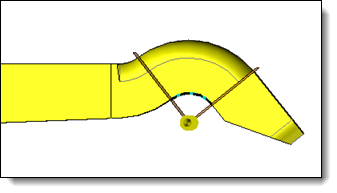
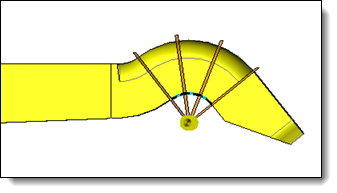
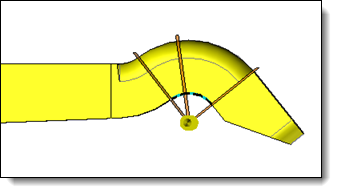
In case of delimiting an extended bend, three divisions modes can be applied:
|
Faces :
|
In case of Extended delimiting of bend, it is possible to restrict this delimiting to the:
or to the :
|
Modifications / Additional information:
This command is particularly useful when we wish to do a covering
with a sheet created from the extrusion of a sketch. In this case,
the lateral faces are only made up of a single face which does not
enable the desired result to be achieved.
Example:
|
|
|
|
|
|
|
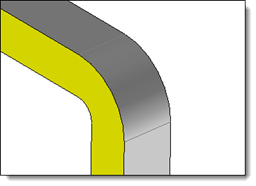
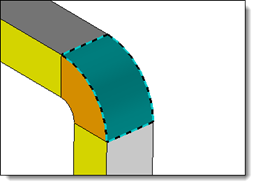
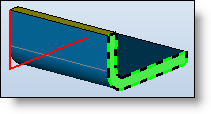
Creation of a sheet on sketch from the red sketch. We can see that the lateral face (green) is only made up of a single face. |
|
Creation of a flange on an edge. |
|
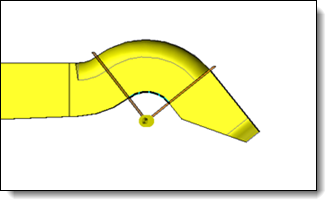
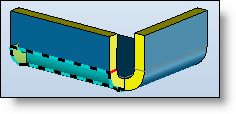
During the creation of a covering operation, one part of the lateral face cannot be selected. |
|
|
|
|
|
|
|
|
|
|
|
|
|
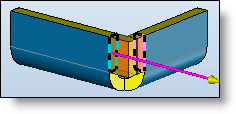
Bends delimiting, the red edge is then added to the lateral faces of the bend. |
|
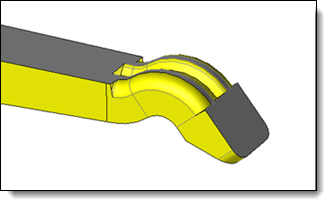
After delimiting, the covering operation can be carried out on a part of the lateral face. |
|
|
You can modify the modeling tolerance of the created operation locally by launching the Tolerance contextual command from the operation tree.
|
|
When dividing the bend of a very small piece, edges and vertices may merge. |
Changing the tolerance of the operation to a finer setting can enable a more accurate result to be calculated. |