|
Laminate material |
A laminated material can be used when defining a panel or a panel parameter.
Creation stages / Use :
Choose New Document > Advanced > Laminate material.
Material :
Add a matter.
Add a top and bottom finish and/or coating if necessary. You can modify their orientation in degrees.
Choose the thickness of the material.
Define the laminate’s isotropy and homogeneity, in “Forced” or “Managed by constituents” mode.
Appearence :
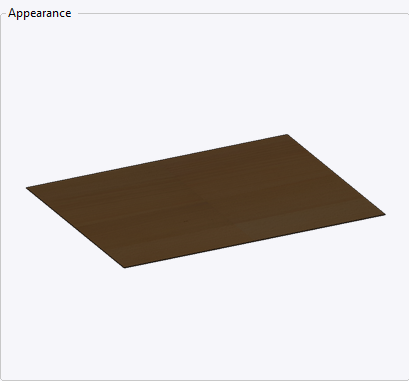
The Appearance tab displays the result of our multi-layer material, if no envelope material has been selected, the detailed appearance will be used.
Isotropy / Homogeneity:
If all documents used in the Laminate Material (Material, Coating, and Finish) are marked “unspecified”, the Laminate Material document will be anisotropic (checkbox unchecked).
If at least one document is marked anisotropic, the laminate will be anisotropic (checkbox unchecked).
If no document is anisotropic, and at least one is isotropic, the laminate will be isotropic (checkbox checked). “Unspecified” documents are ignored.
The same rules apply for homogeneity.