This command allows to create a song.
Creation stages / Use:
Select the Wood > Edge Banding...
command from the drop-down menu.
Select a profile.
Select a top plane.
Select the part or parts on which to apply the edge.
Choose to position the edge inside or outside.
Inverse or not the edge.
Choose a edge family and code.

|
To apply a continuous edge on two
parts in contact it is preferable to have created a sketch beforehand
and to select it as a profile. It is also possible to click on
the + in the profile insert and create a tangent profile.
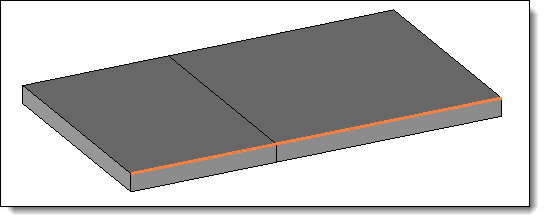
|
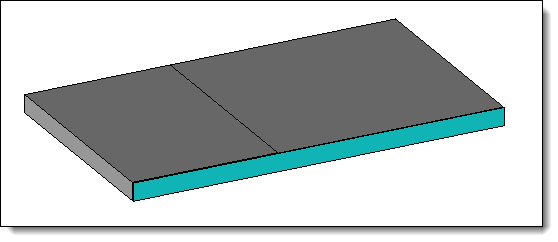
|
Create
a sketch joining the ends of the two shapes. |
Creation
of an edge joining
the two pieces.
|
|
Available options:
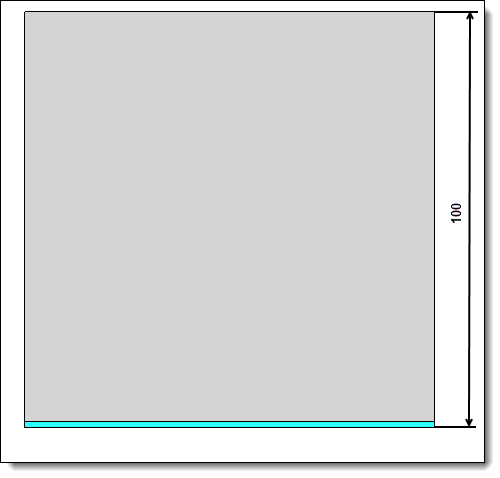
|
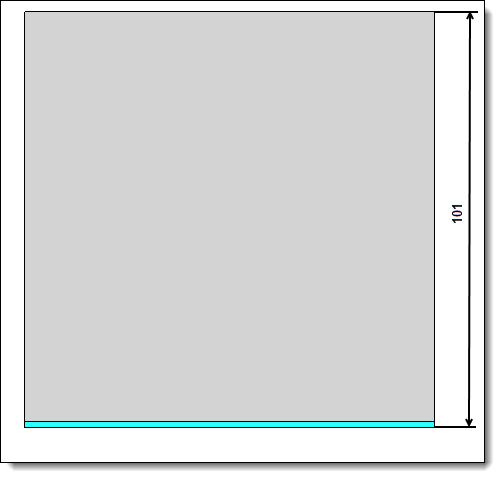
|
Positioning
inside. |
Positioning outside.
|
This feature would be
useful when a non-flat edge is used.
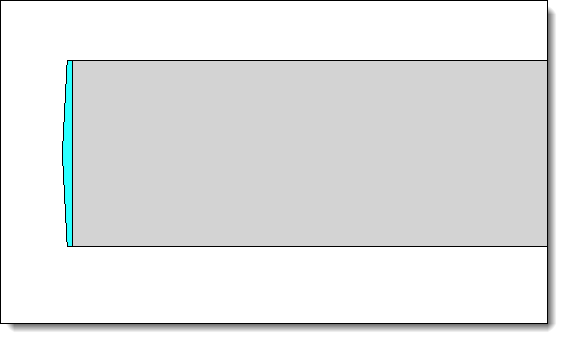
|
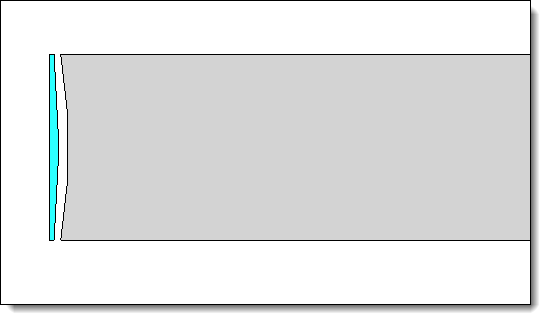
|
Reverse option enabled. |
Reverse option disabled. |
|
Allows
to calibrate the parts where the edge is applied:
If the edge is placed on
the outside, the sizing will not change the dimension of the
part.. If the edge is placed inside,
the calibration will cut the part by deducting the value of
the edge.
|