
Apply Drilling Method
|
Apply Drilling Method |
Icon Access: 
Location: 2D/3D\Apply drilling method
This feature allows you to
To apply a drilling method to one or more cylinders
To search for similar holes.
After selecting a face, TopSolid'Cam locates the attached cylinders and suggests compatible cylinder milling methods. You can then apply a search to apply this same method to other cylinders of the same diameter, depth, and/or WCS.
Apply Drilling Method
 Stack Tab
First manually select the face of a hole. |
|
|
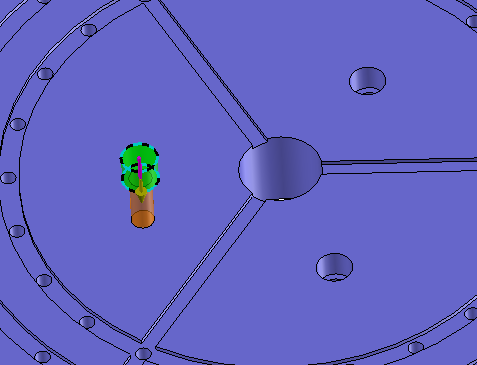
TopSolid'Cam then detects the cylinder stack attached to this face. Based on the cylinders selected, the compatible method(s) appear in the table below. |
Cylinders
|
|
Select the method you want from the list of compatible methods. |
Compatible Methods
|
|
It is possible to configure how to launch the selected method. |
|
 Search Tab
Search for similar holes Part limitation |
By default all the part is analysed to search similar holes but it is possible to define a restricted search area with the function [ Equipment / Part / Part analysis limitation].
 Then just select it in the list and launch the search.
Select the search criteria by clicking the sort criteria to use. Here, you must take into account the digital command possibilities that will be used for the ISO code. Unchecking the depth or WCS criteria implies that the machine can change these values during the same cycle.
|
|
|
TopSolid then lists all drillings that meet the criteria given in the dialog box. |
|
 0-Cylinder